Tutorial
GasPropertyCalculator is a package for thermodynamic calculations of properties of gas compositions according to the GERG 2008 equation of state.
GasPropertyCalculator can be started from Anaconda prompt by
gaspropertycalculator
or from Python prompt by
>>> import gaspropertycalculator
>>> gaspropertycalculator.gaspropertycalculator.run()
When starting GasPropertyCalculator, the main menu is displayed as shown in Figure 1.
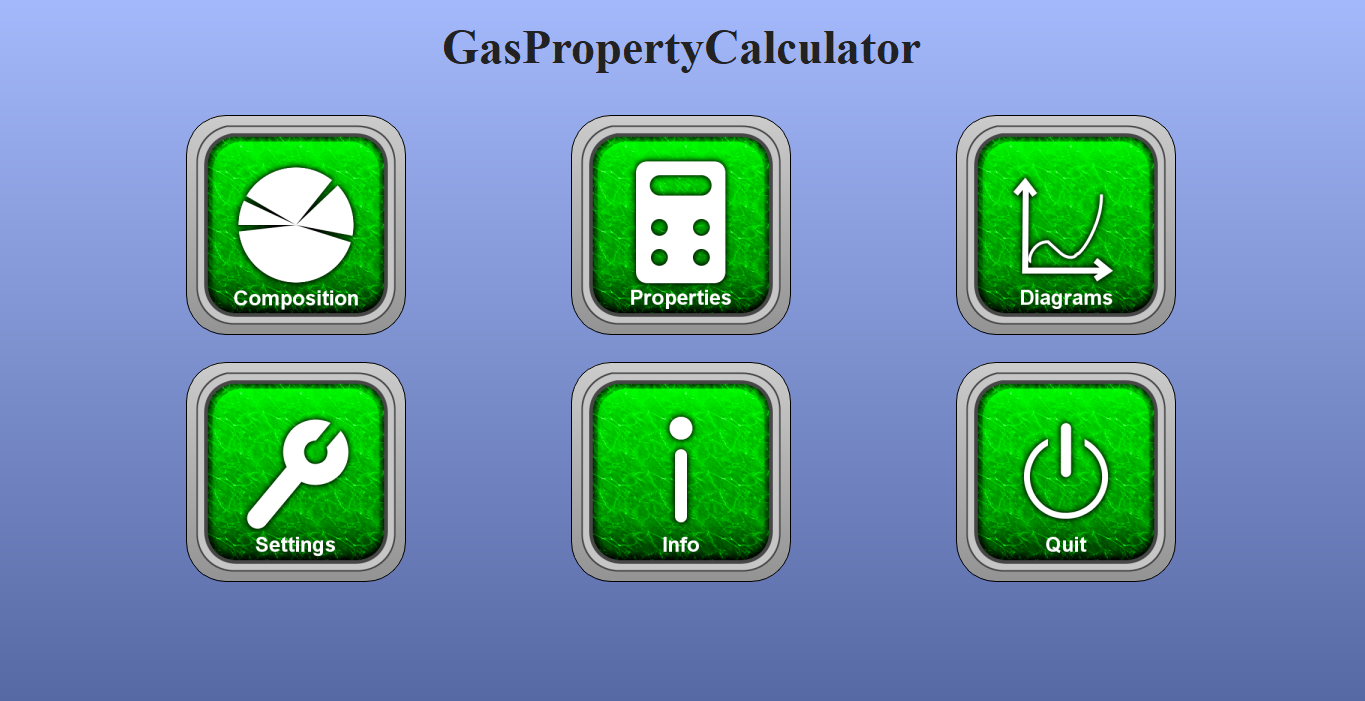
Figure 1: Main menu of GasPropertyCalculator.
It contains the following submenus:
Composition: Defne a new gas composition, load an existing gas composition from file or save the gas composition to a file.
Properties: Calculation of various properties of the given gas composition.
Diagrams: Visualize temperature and pressure dependencies of the properties of the given gas composition as well as calculation of the enthalpy-entropy diagram.
Settings: Choose the global unit system as well as the norm state definition.
Info: Software information.
Quit: Exit GasPropertyCalculator.
The main menu is accessible from each submenu via the button Back.
Composition
In this submenu (see Figure 2), the composition of a gas mixture can be defined by specifying the molar fraction for each gas component.
In this submenu, the user has the following options:
New gas composition: Clear gas composition.
Load gas composition: Load an existing gas composition from file.
Save gas composition: Save the current gas composition to a file.

Figure 2: Gas composition submenu after entering an exemplary gas composition.
The pie chart and the status message give feedback about the completeness of the gas composition.
Using the button Apply, the entered gas composition is used for the property calculations.
Properties
In this submenu, various properties of the given gas mixture can be calculated:
Basic properties (e.g. molar mass): These properties depend on the gas composition only.
Norm state properties (e.g. norm density): These properties depend additionally on the norm state definition.
Arbitrary state properties (see Figure 3): These properties are calculated for a given pressure and temperature on demand using the button Update.
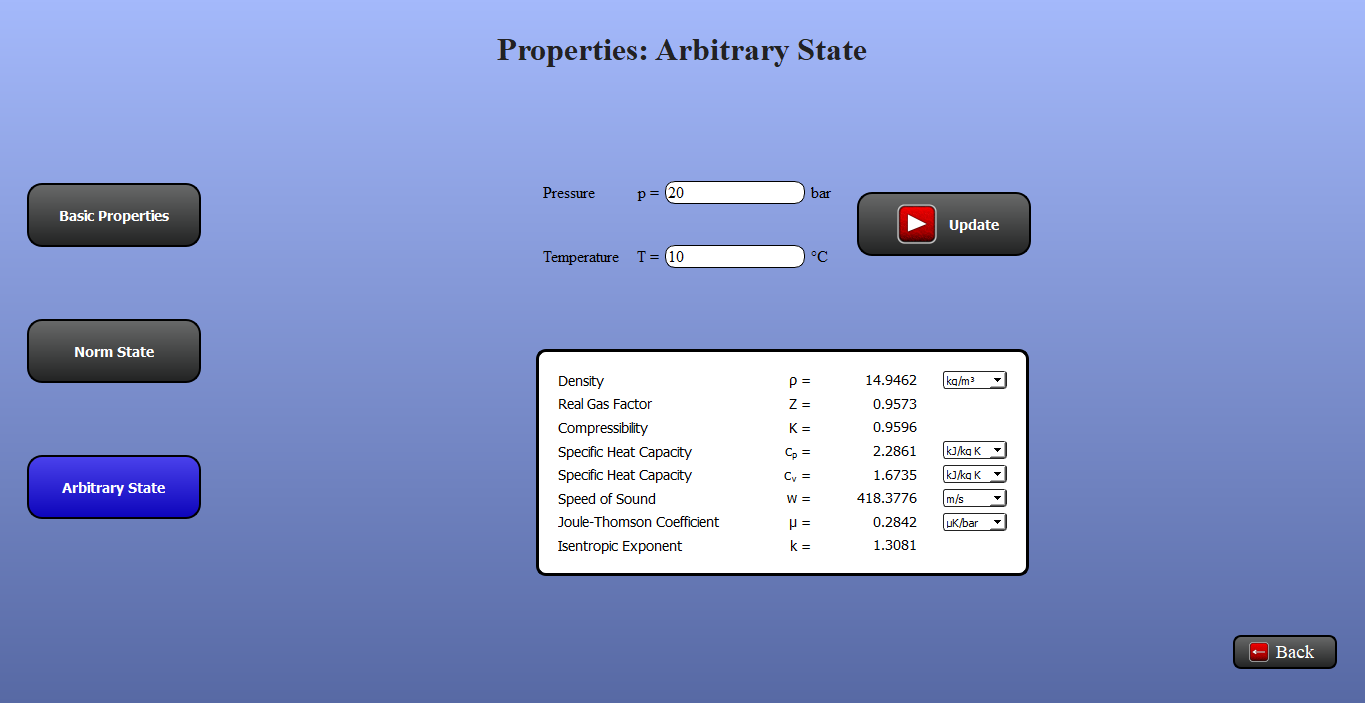
Figure 3: Submenu Properties: Arbitrary State.
Note, that unit conversion between the metric and imperial systems is possible for each resulting property individually by simply changing the unit via the respective boxes.
Diagrams
In this submenu, the temperature and pressure dependence of the gas composition properties (see Figure 4) as well as the enthalpy-entropy diagram (see Figure 5) can be calculated. In the first case, the desired property can be selected via a box menu for plotting.
Note, that for a given pressure and temperature range, all properties are calculated at once using the button Update. Re-calculation of the diagram via Update is only necessary if the pressure and temperature ranges are changed or a new gas composition is applied.
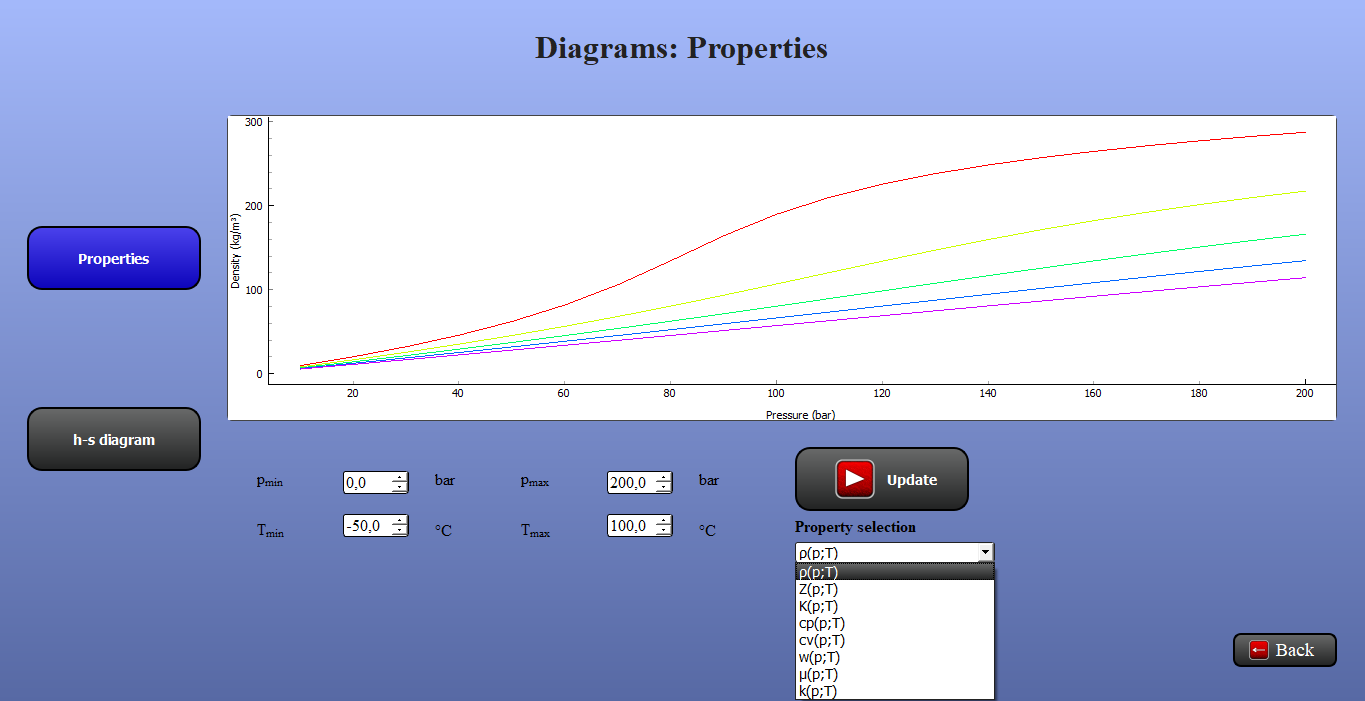
Figure 4: Submenu Diagrams: Properties.

Figure 5: Submenu Diagrams: enthalpy-entropy chart.
Settings
In this submenu, some selections can be made: the choice of the global unit system and the norm state definition (see Figure 6).
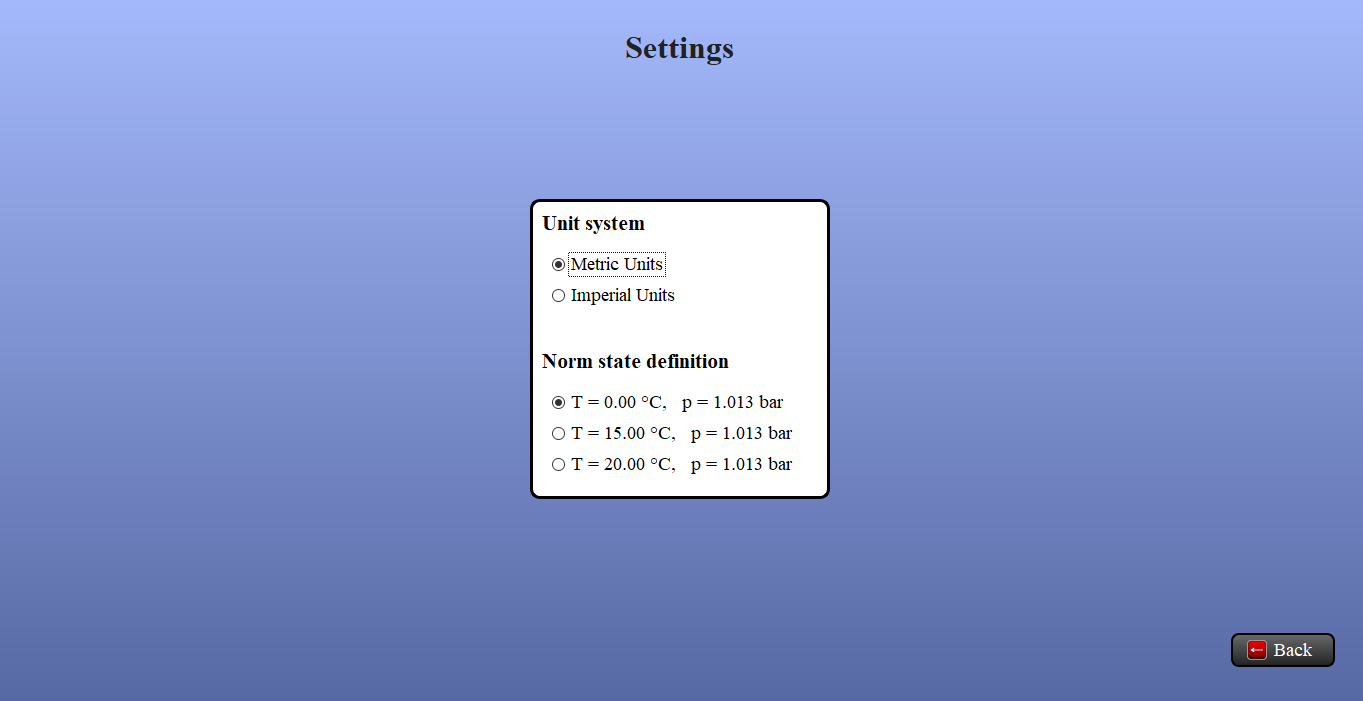
Figure 6: Submenu Settings.